Practice Sight Words with a Pirate Cannon
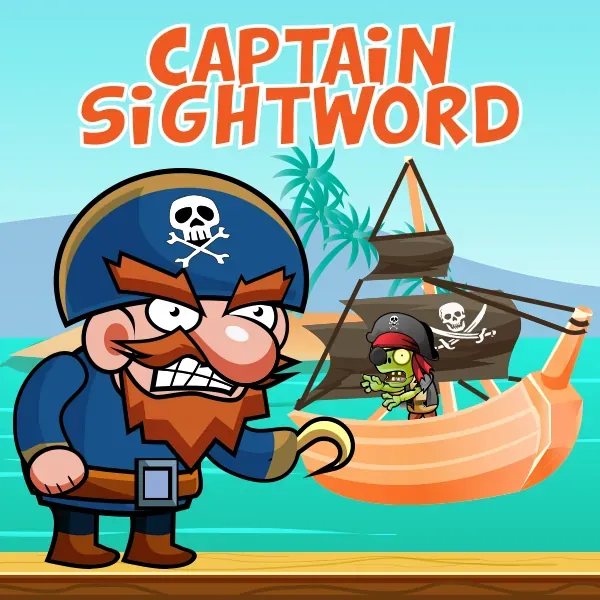
Captain Sightword turns word recognition into a pirate-themed target game. Read the target word, watch the zombie crew, and use the cannon to choose the matching sight word.
Choose the automatic list for a ready-made activity or enter a custom set of words for focused reading practice.
How to Play Captain Sightword
- Choose Auto for the built-in sight-word list
- Choose Custom to enter the words you want to practise
- Read the sight word shown for the current question
- Tap or click the matching target to fire the cannon
- Keep matching words to build your score
Automatic and Custom Word Modes
Auto mode starts with the game's built-in word list. It is useful for a quick reading session with no setup.
Custom mode lets an adult or learner type specific sight words into the activity. This makes it possible to practise a current classroom list, difficult words, or a small revision set.
Reading Practice
Each round asks the player to connect a written prompt with the matching word on screen. The repeated reading and selection activity focuses on visual word recognition.
Short custom lists are useful when a learner needs repeated practice with a few words at a time.
Frequently Asked Questions
Can I add my own words to Captain Sightword?
Yes. Select Custom and enter the sight words you want to use in the game.
What does Auto mode do?
Auto mode uses the built-in sight-word list and starts the activity without a custom list.
How do I control Captain Sightword?
Use a mouse or touchscreen to select the matching word target and fire the cannon.