Explore Numbers from 1 to 100
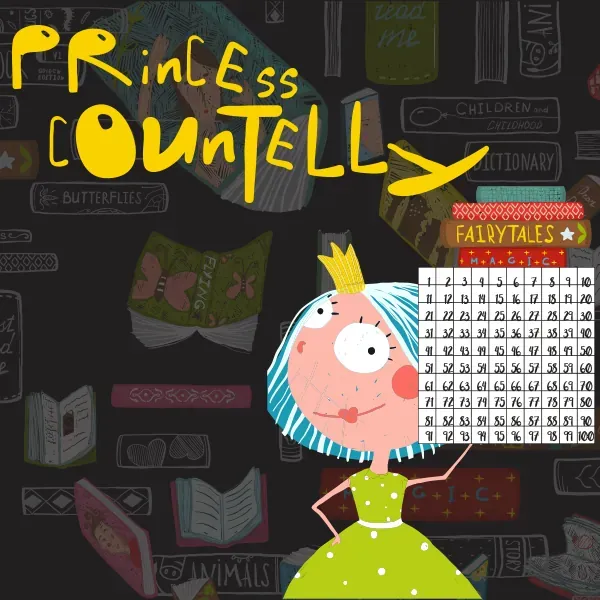
Princess Countelly is an interactive hundreds chart with numbers from 1 to 100. Choose a color and mark numbers on the grid to make counting steps, sums, differences, and number patterns easier to see.
The open-ended chart works well for guided activities because a parent, teacher, or learner can decide which numbers to highlight and what each color represents.
How to Use Princess Countelly
- Choose a color from the palette
- Tap or click numbers on the 1 to 100 grid
- Use different colors for separate number sets or steps
- Use the reset control to clear the chart
- Create your own counting and arithmetic activity
Addition and Subtraction Activities
Start on one number and mark each counting step to model addition. For subtraction, work backwards through the chart and mark the numbers as you count down.
Different colors can separate the starting number, the counted steps, and the final answer.
Find Number Patterns
Use the grid to highlight odd numbers, even numbers, multiples, or repeated counting patterns. The ten-column layout makes changes in tens and ones visible.
The chart can also support number recognition activities by asking a learner to locate and mark spoken numbers.
Frequently Asked Questions
What numbers are included in Princess Countelly?
The interactive chart contains the numbers 1 through 100.
Can I use Princess Countelly for addition and subtraction?
Yes. Mark counting steps on the grid to show addition and subtraction visually.
How do I clear the number chart?
Use the reset control beside the color palette to return the chart to its starting state.