Practise Reading with Sight Word Flashcards
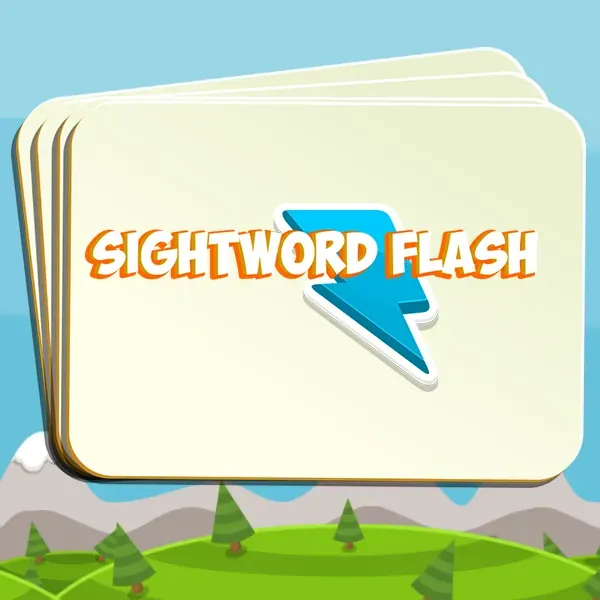
Sightword Flash presents words as clear digital flashcards. It includes Auto, Custom, and Reading modes so each session can use a ready-made list or words chosen for a specific learner.
The simple display keeps attention on the word and supports short, repeatable reading practice.
Choose a Flashcard Mode
- Auto uses the built-in sight-word list
- Custom lets you enter your own practice words
- Reading provides a focused word-reading activity
- Tap or click the on-screen controls to move through the session
Create a Custom Word List
Custom mode can match a current classroom list, a set of frequently missed words, or vocabulary from a book. Enter the words before starting the session.
A short list makes repeated practice easy. A longer list adds variety when the learner is ready for more words.
Use Sightword Flash for Reading Practice
Ask the learner to read each word aloud before moving to the next card. Repeat the list and note which words need another pass.
The tool can also support paired practice, with one person controlling the cards and another reading the words.
Frequently Asked Questions
Can I enter my own sight words?
Yes. Choose Custom to create a word list for the current practice session.
What is Auto mode in Sightword Flash?
Auto mode presents the built-in sight-word list as flashcards.
Does Sightword Flash run in a browser?
Yes. Start it from this page and use the on-screen flashcard controls.